Browser Studies
Video Focus Speed
Local Chrome extension for speeding up HTML5 video, dimming page distractions, saving useful video links in a compact library, and sending YouTube videos to YouTube to Article.
Purpose
Found videos stay in focus
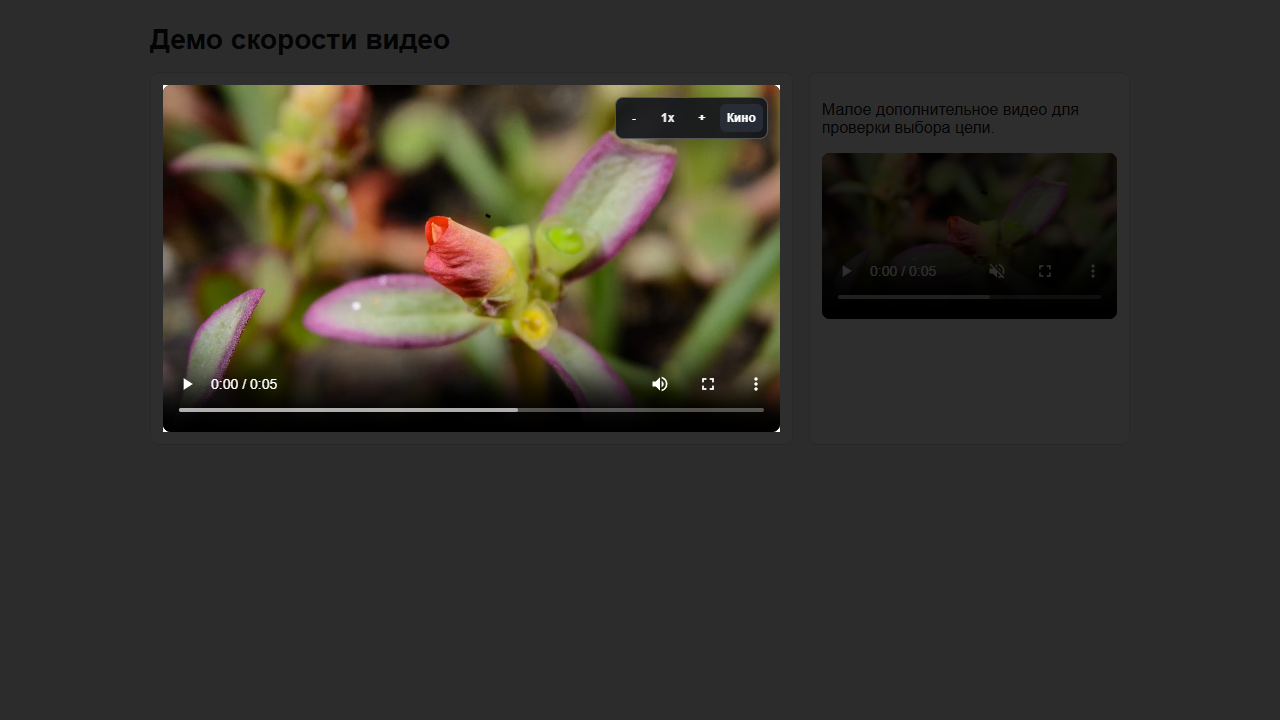
Useful videos often sit inside search pages, recommendations, sidebars and unrelated navigation. The extension does one small thing well: it keeps the useful controls near the player.
Video Focus Speed does not replace the website and does not need a server. It works as a local browser tool: speed control, theater mode, saved links, and a handoff from YouTube videos to the article app.
Workflow
From found video to article draft
- Find. The user scrolls a page, starts the useful video, and the extension targets the active player.
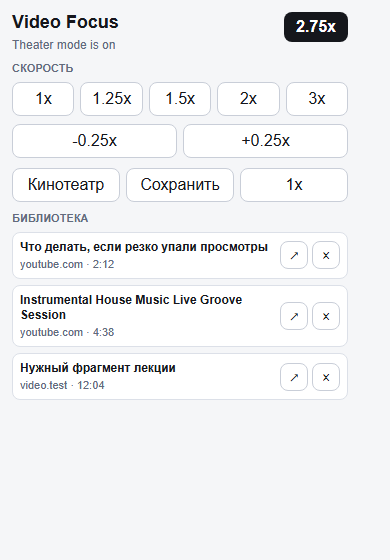
- Speed up. The floating panel gives speed steps without reopening the extension popup.
- Focus. Theater mode dims everything around the video rectangle without rearranging the page.
- Save. The popup stores the current URL, title, domain and timestamp in the library.
- Send. The article button opens YouTube to Article with the saved URL, ready for transcription and a draft text.
Interface
A tiny page panel, compact library, and article button
Booklet
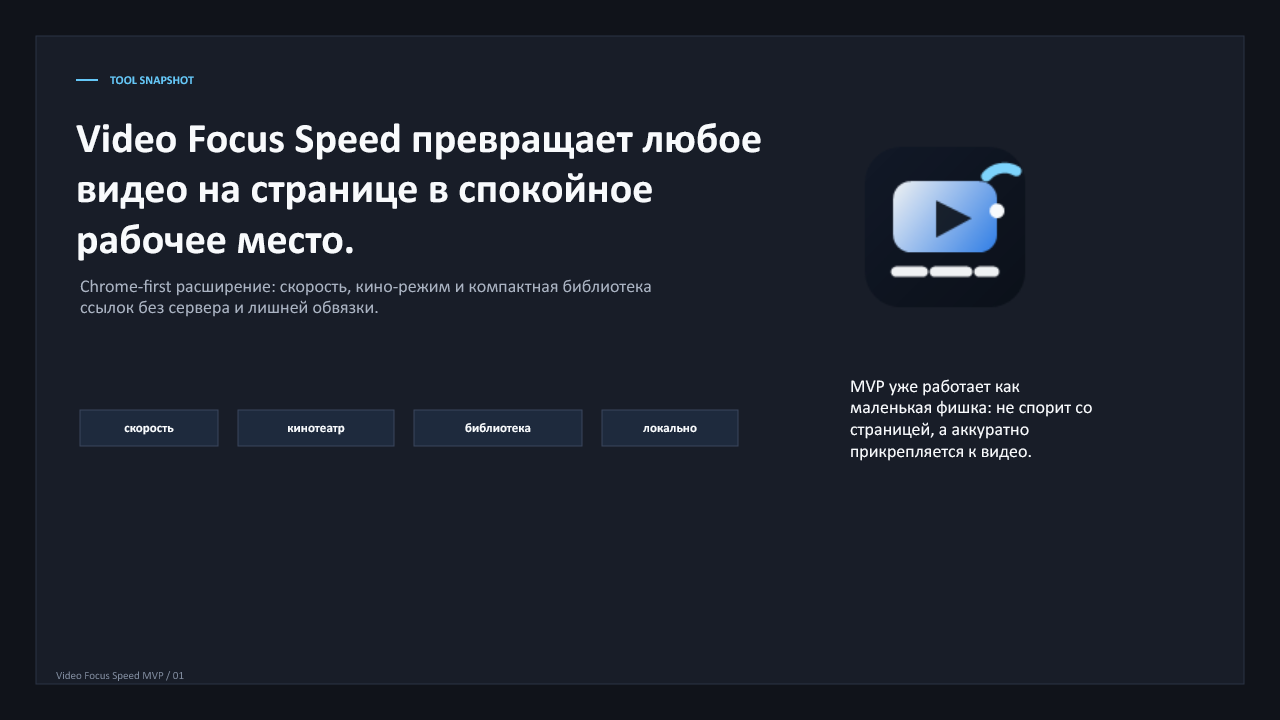
A short presentation captures the MVP connection
The booklet presents the idea, not a web version of the extension: why the floating panel exists, why theater mode is geometry-based, and how a saved link becomes an input for the article app.
The file opens as an editable PowerPoint deck and can be reused for internal demos, notes, or future packaging decisions.
Status
This is a booklet, not a web version of the extension
This website does not run the extension: Video Focus Speed works inside Chrome, uses browser local storage and attaches to pages through a content script.
The article button opens YouTube to Article with the selected URL; if the app tab is already open, the extension reuses it.
It is currently a local MVP. A public archive link can be added separately after the distribution choice is made.